Schedule Now
Last updated: July 3, 2026
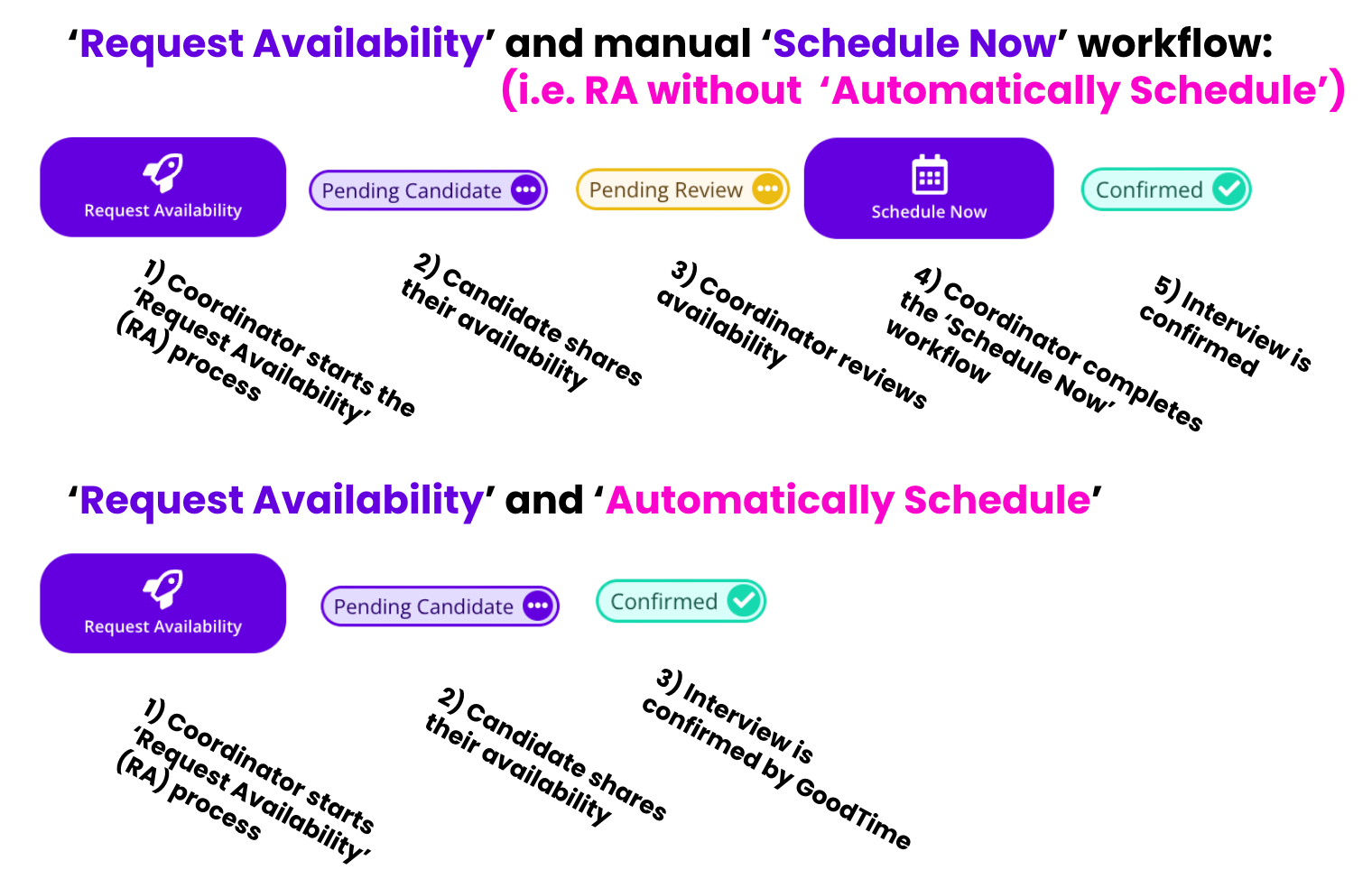
TL;DR: the 'Schedule Now' workflow is used when you have already received the candidate's availability and want to move forward to scheduling an interview into a calendar. This is reflected as step 4 in the following diagram.
NOTE: If you are using the GoodTime's 'Request Availability' with the 'Automatically Confirm' workflow GoodTime will automatically move the candiate from the 'Request Availability' workflow through the 'Schedule Now' workflow without any user intervention.
🎥 Recent updates to the Email Preview in the 'Schedule Now' workflow are demonstrated below:
How To: Schedule Now
Open your candidate in GoodTime
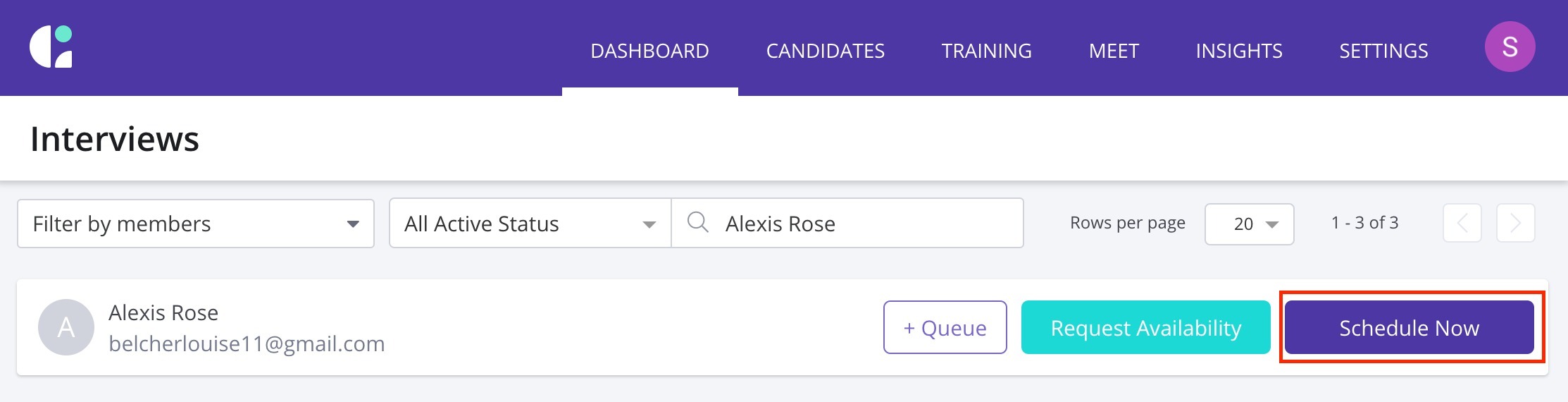
Click the purple "Schedule Now" button to start your scheduling workflow!
Ensure your candidate is in the appropriate job / stage
Select your interview template
Continue!
When using Schedule Now, you'll have the opportunity to select the interview date/time relevant to the candidate's availability. After selecting the time frame for the interview, GoodTime will show you a confirmation page before sending any candidate-facing and interviewer-facing content.